Save anything.
Use the iOS Share button or Back Tap to keep something worth remembering.
 BACKMARK
PRIVATE BY DESIGN · FOR IPHONE
Keep links, screenshots, posts, and files together with their preview, source, and searchable text—then turn your Memories into something useful.
BUILD
ONE SIMPLE FLOW
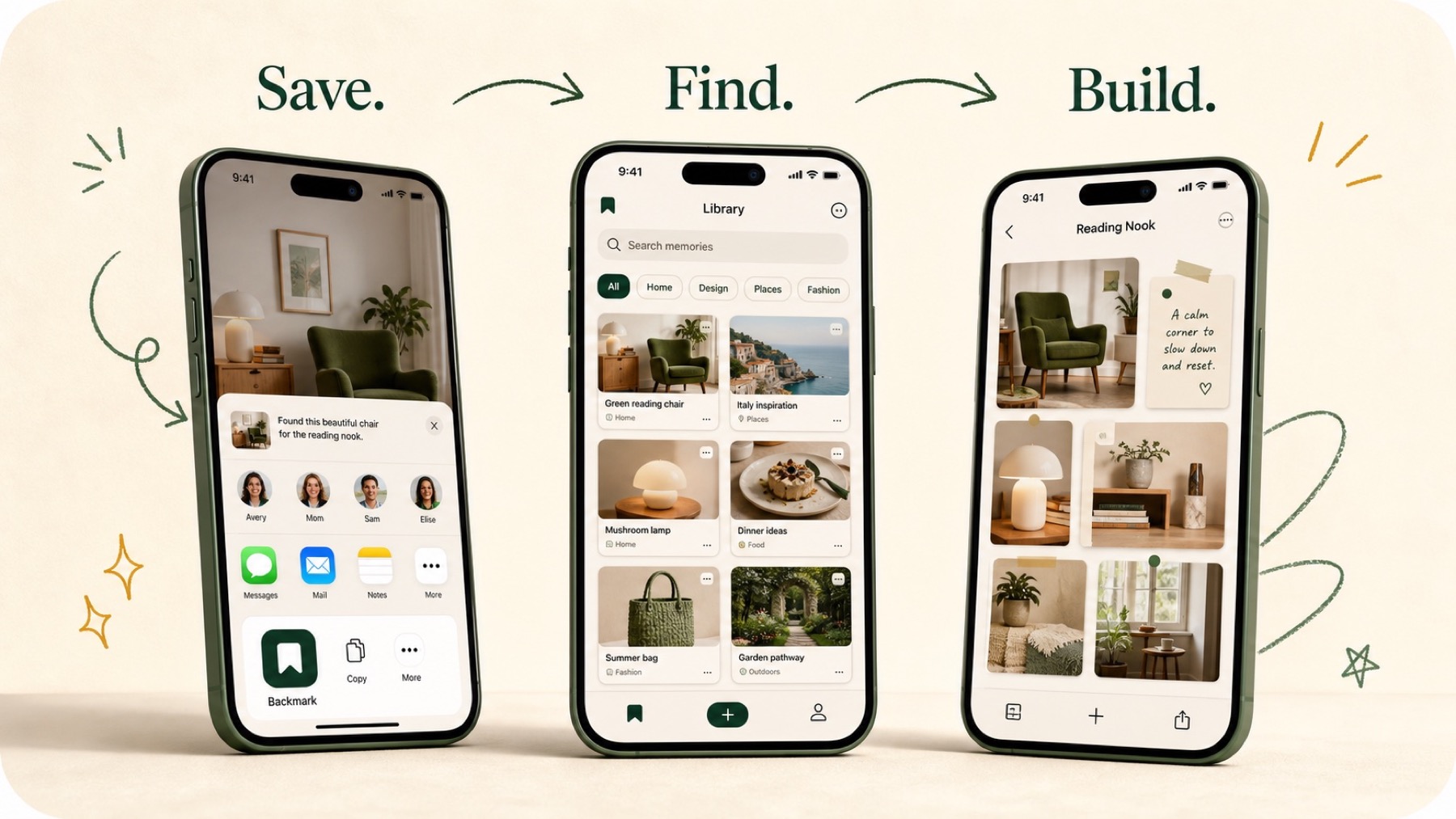
Use the iOS Share button or Back Tap to keep something worth remembering.
Search titles, summaries, tags, and text recognized from your screenshots.
Turn related Memories into a plan, comparison, study pack, or your own result. On compatible iPhones with Apple Intelligence, ask questions answered only from that Board and create an editable cover.